How to Cancel Snapchat Plus Subscription on Android & iPhone
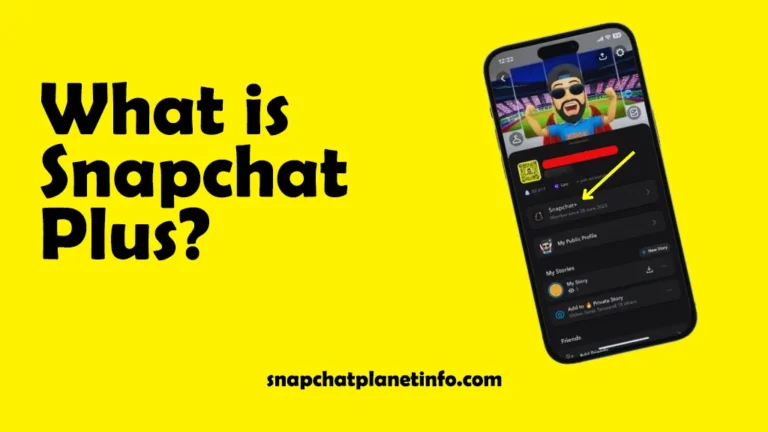
How to cancel Snapchat Plus is a commonly asked question among users of Snapchat who tried the premium plan but later felt it was not worth it. Snapchat Plus gives you many features like custom app icons, chat pinning, story rewatch counter, and unique profile design. But many people are sometimes not interested in all these features.
If you are one of them and want to know how to cancel Snapchat Plus, then you do not need to worry. In this guide, you will find a complete guide on how to cancel Snapchat+ on both Android and iPhone.
Before subscribing to Snapchat Plus, it’s helpful to know Is Snapchat safe so you can use the app securely while enjoying premium features.
What do I lose if I Cancel my Snapchat Plus
For just $3.99 a month, Snapchat Planets gives you the opportunity to become a Snapchat superhero and enjoy plenty of filters and lenses and a premium membership. The following are the important features that Snapchat will provide you:
Exclusive Features
With Snapchat Plus, you can get access to new Snapchat tools before regular users.
Customization Option
Plenty of customization options will be given to you with Snapchat Plus. You can change the app icon, pick cool themes, and set a unique background according to your mood.
Priority Support
If you are facing any issues and you are te Snapchat Plus user, you can get faster help from the support team and get VIP customer service.
Special Badge
With Snapcaht plus, you can get a special badge and show your friends that you are a Snapchat Plus user.
How to cancel Snapchat Plus on iPhone
If you are using Snapchat Planets on your iPhone and want to know how to cancel Snapchat+ subscription, this guide will help you step-by-step.
- Open the App Store and tap on your profile icon, and then tap on the subscription.
- Tap on Snapchat in the list of subscriptions and then tap on Cancel Subscription.
- The pop-up menu will appear, tap on confirm, and you are all set.
While managing your subscription, it’s also useful to understand Time Sensitive on Snapchat, which shows how long stories are available before disappearing.
Learn more about Snapchat terms like SMH Meaning on Snapchat.
How to Cancel Snapchat+ on Android
If you are using Snapchat Planets on your Android phone and want to know how to cancel Snapchat Premium, this guide will help you:
- Open the Google Play Store, tap on your profile icon, and then on payment and subscription.
- Tap on the subscription and then tap on Snapchat in the list of active subscriptions.
- Simply tap on the cancel subscription and then follow the instructions to cancel Snapchat Plus.
You should also check What does GTS means on Snapchat to understand messaging terms.
FAQs
Conclusion
This is an easy and simple guide if you want to know how to cancel Snapchat Plus. Whether you are using an Apple or Android device, you can easily manage your subscription directly through the App Store or Google Play Store with just a few taps. If you cancel Snapchat Plus, you will not further enjoy the premium features of the app, like chat pinning and customization icons.